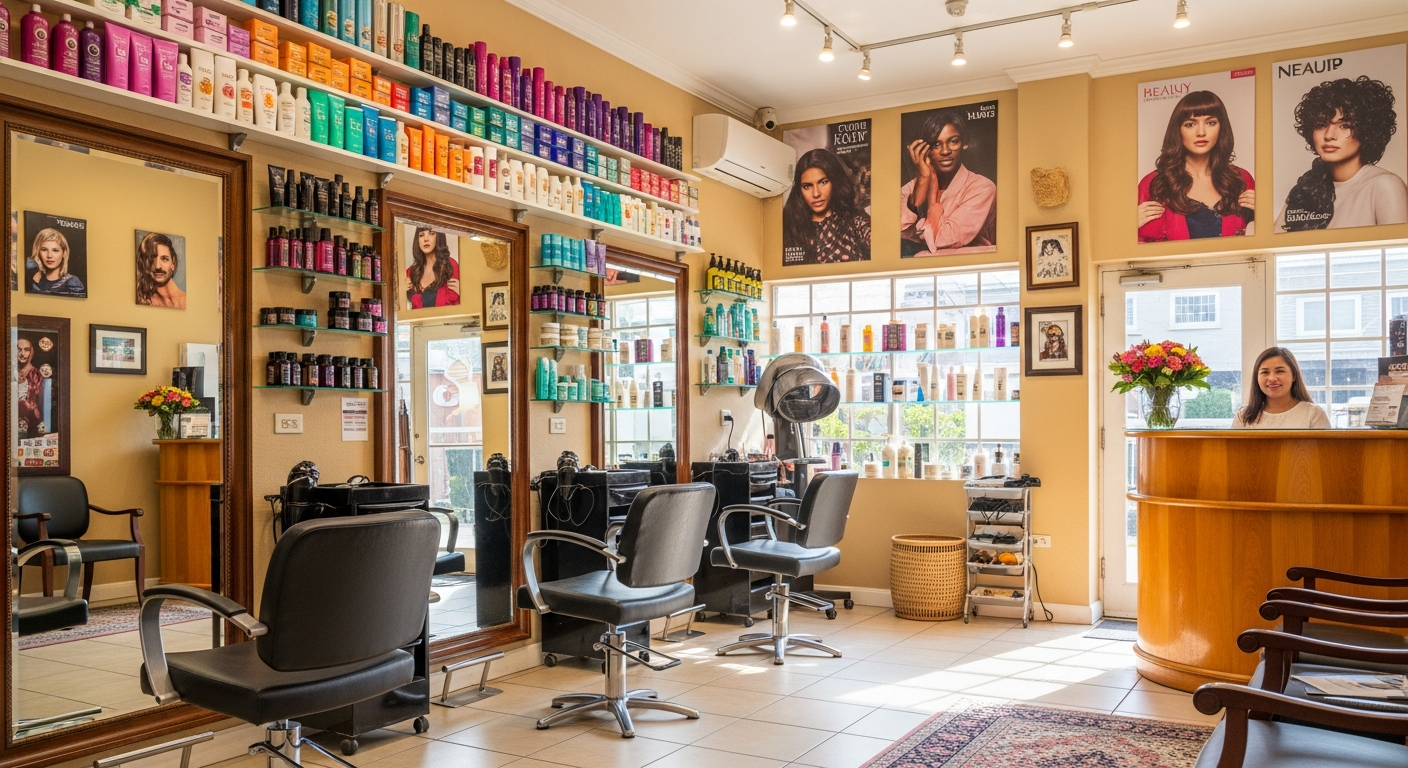
Salon Google Maps Philippines: Get Found, Fill Your Chair
What is salon google maps philippines visibility? It's your verified Google Business Profile appearing when a potential client searches "salon near me" or "hair salon [city]" in the Philippines. Salons that dominate this search get a steady stream of new clients without spending on ads.
Whether your salon is in Manila, Cebu, Davao, or a smaller city like Iloilo or Cagayan de Oro, the playbook for salon google maps philippines visibility is the same. Here's how to execute it.
Step 1: Claim Your Google Business Profile
Go to business.google.com and search for your salon name. If it's there (Google often auto-creates listings), claim it. If not, create one from scratch.
Category selection matters. Choose "Hair Salon" as your primary category. Add secondary categories if relevant: "Beauty Salon," "Nail Salon," or "Eyebrow Threading." The more specific you are, the better Google matches you to the right searches.
Fill in everything:
- Business name matching your signage exactly
- Complete address (pin your location on the map accurately)
- Phone number — your main booking line
- Operating hours including lunch breaks and public holidays
- Website or booking link
Verification typically arrives via postcard within 5–14 days.
Step 2: Photos That Convert Views Into Bookings
Philippine clients are visual. Before booking, they scroll through your photos to see if the salon matches their aesthetic.
Salons with 15+ quality photos get significantly more bookings than those with 3–4. For any salon google maps philippines listing, photos are your silent sales pitch — the first impression before a client even taps your name.
Must-upload photos:
- Interior shots — chairs, mirrors, lighting, overall vibe
- Before and after transformations — the single highest-converting photo type for salons
- Stylist headshots — clients want to know who will be doing their hair
- Reception area — clean, welcoming first impression
- Exterior with signage — easy to find, recognizable from the street
Upload new photos every month. Google rewards active listings. Salons that post fresh content consistently rank higher than those with static profiles.
Step 3: How Do Salons in the Philippines Get More Google Reviews?
Reviews are the difference between a 4.2 and a 4.8 rating — and that gap directly affects how many new clients call you. Here's the problem: satisfied clients rarely leave reviews unless asked at exactly the right moment.
The Suriya review flow for salon google maps philippines:
- Client finishes their appointment
- Suriya automatically sends a Facebook Messenger or SMS follow-up within 60 minutes: "Thanks for visiting [Salon Name]! Happy with your look? Leave us a Google review — it only takes 30 seconds. [Link]"
- Client taps the link, sees your Google listing pre-loaded, leaves the review
Salons using this automation typically see 3× more reviews within 90 days. The key is timing — asking when the client is still happy and has just seen their new look in the mirror, not 3 days later when they've forgotten.
Never incentivize reviews with discounts or freebies — it violates Google's policies and risks suspension.
Step 4: Online Booking From Google Maps
Google allows you to add a booking link directly to your Business Profile. When a potential client finds your salon on Google Maps, they can tap "Book" and go straight to your scheduling page.
Suriya generates a booking link that captures:
- Service selection (haircut, color, treatment, etc.)
- Stylist preference
- Date and time slot
- Contact details for reminders
No back-and-forth on Messenger asking "may available ka ba bukas?" — the client books themselves, you get the appointment in your calendar.
Step 5: Reduce No-Shows With Automated Reminders
No-shows are expensive for salons. A missed 90-minute color appointment wastes the stylist's time and blocks other bookings. Suriya sends three automatic touchpoints:
- Booking confirmation — immediately after scheduling
- 24-hour reminder — the day before, with an option to reschedule
- 2-hour reminder — same day, final confirmation
Salons using automated reminders see 40–50% fewer no-shows. That translates directly to more revenue per day without adding a single new client.
Step 6: Accept GCash and Maya — No POS Needed
Cash-only salons lose clients who've gone fully cashless. In Metro Manila and major Philippine cities, GCash penetration among adults is over 60%. Clients expect to tap-to-pay.
Suriya generates a QR code that accepts GCash and Maya directly. Display it at checkout or include it in your booking confirmation. Clients scan, enter amount, done. Funds land in your account within minutes — no monthly POS rental, no transaction fees to a third-party terminal.
Step 7: Keep Your Salon Google Maps Philippines Listing Active
A Google Business Profile isn't a set-and-forget asset. Active listings rank higher. Here's a simple weekly routine:
- Post a Google Update (5 minutes) — share a before/after, announce a new service, or post a seasonal promo
- Reply to new reviews — within 24 hours, especially negative ones. A thoughtful response to a 1-star review shows professionalism and often converts readers into clients
- Answer Q&A — clients ask questions on your listing. Answer them before someone else does (incorrectly)
- Update hours for holidays and special events
The Full Loop for Salon Google Maps Philippines
Every step connects:
- Client searches "salon near me" → finds your verified, photo-rich listing with 50+ reviews
- Taps "Book" → selects service and time via Suriya
- Gets confirmation + reminder → shows up
- Pays via GCash QR → receives service
- Gets follow-up message → leaves Google review
- More reviews → higher ranking → more clients find you
Para sa mga Pilipino:
Kung gusto mong mapataas ang iyong salon sa Google Maps ng Pilipinas, kailangan mo ng: verified na Google Business Profile, magagandang litrato (lalo na ang before/after), automated na review requests pagkatapos ng bawat appointment, at GCash/Maya payment QR code. Ginagawa ng Suriya ang lahat ng ito para sa iyo — mula ₱990/buwan, setup sa 10 minuto.
Ready to fill your salon's schedule through Google Maps?
👉 Salon App for Manila — online booking, GCash payments, and automated review requests from ₱990/month.
👉 Salon App for Cebu — same system, built for Cebu City salons.